在一台CentOS7的服务器上遇到标题标错:
[root@localhost ~]# yum install -y wget
Loaded plugins: fastestmirror
Loading mirror speeds from cached hostfile
There are no enabled repos.
 Run "yum repolist all" to see the repos you have.
 To enable Red Hat Subscription Management repositories:
     subscription-manager repos --enable <repo>
 To enable custom repositories:
     yum-config-manager --enable <repo>
通过yum什么都不能安装,搜索了下解决方法,所以记录下来。
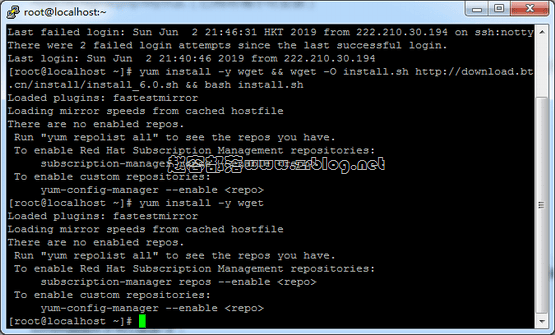
报错信息如图:
解决方法为:
下载对应版本repo文件, 放入/etc/yum.repos.d/里,下载地址:http://mirrors.163.com/.help/centos.html
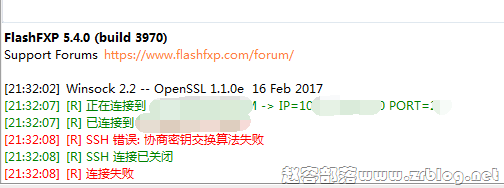
***因为我这台机器wget也不能用,所以我是下载到本地sftp上去的***
完成后,查看/etc/yum.repos.d文件夹下是否有了CentOS-Base.repo文件,然后生成缓存。
yum clean all
yum makecache
最后再次执行我们之前报错的命令,已经OK了。
本站QQ群:683851361,投稿/廣告聯繫:zjfx8@qq.com